Apps
harbor0 in the browser and on your Mac.
Use it in the browser, and install the desktop app for sync and automatic backups.
Sign up free01 — Get harbor0
The desktop app is for Macs with Apple silicon. Intel Macs, Windows and Linux are not available yet.
02 — Desktop
The app that does the work in the background.
Sync and automatic backups need the desktop app. It keeps running after you close its window, so folders stay current and backups happen on their own.
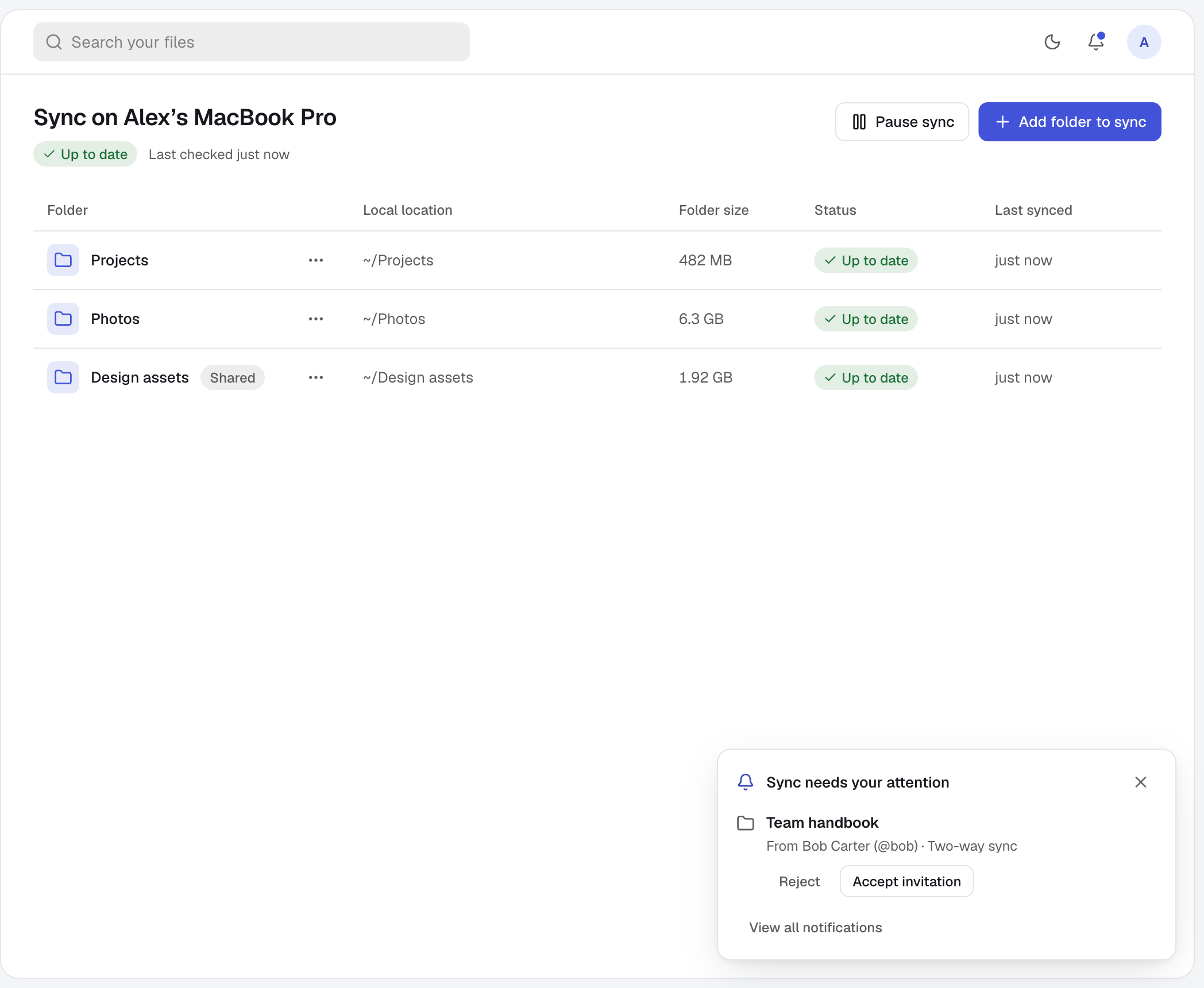
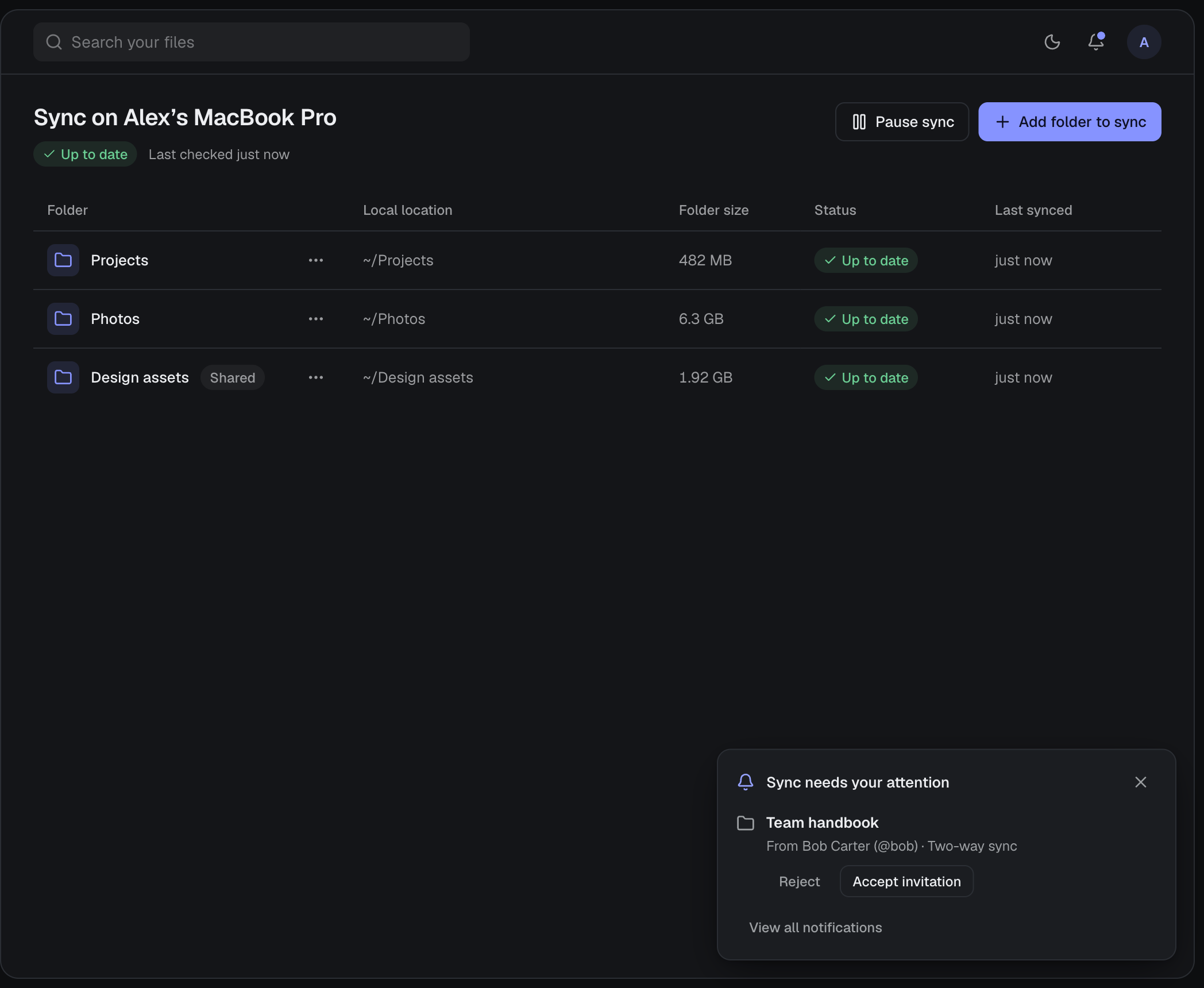
- Sync
- Keep folders in step across your computers, and share a folder for two-way sync.
- Automatic backups
- Save new versions of a folder as you work, and restore them in place.
- Incoming files
- Checks for files and invitations every 10 seconds, even with the window closed, and notifies you.
- Your whole Drive
- Browse, upload, preview and download, exactly as on the web.
- Several accounts
- Each account keeps its own sync folders and settings on the computer.
- Sign-in
- Your password is never saved. The session is encrypted with the system keychain.
01
02
03
04
05
06
03 — Install on a Mac
- 01
Download
Get the disk image with the button above.
- 02
Install
Open the disk image and drag harbor0 into Applications.
- 03
First open
The beta build is not yet signed with Apple, so macOS blocks it once. Open System Settings → Privacy & Security and choose Open Anyway.
To verify the download, its SHA-256 checksum is 14cf11492cdf91c335d3051465691b2cecae27711cb6a19356a702dc77e4b755