Pick a folder. Your backup is done.
Point the desktop app at a folder you already use. From then on every change is saved as a new version on its own, and nothing you delete on your computer is lost.
Sign up free- Desktop
- Web (browse and download)
- Get the apps
01 — How it works
- 01
Pick a folder
Choose Add folder in Backups and pick a folder you already use. Nothing moves and nothing changes on your computer.
- 02
Forget about it
An hour after you stop editing a file, the new version is saved. Need it sooner? Back up now saves straight away.
- 03
Go back in time
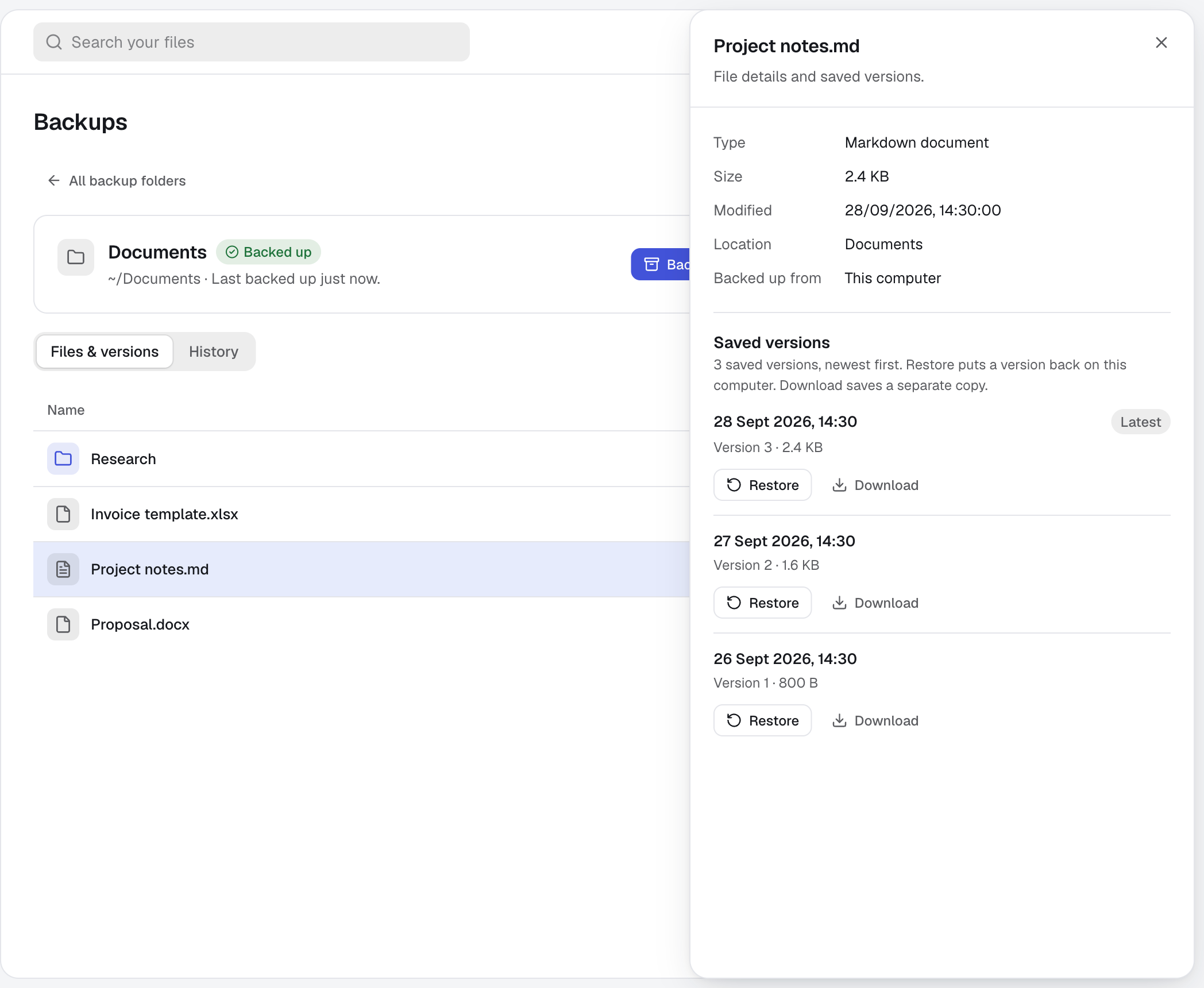
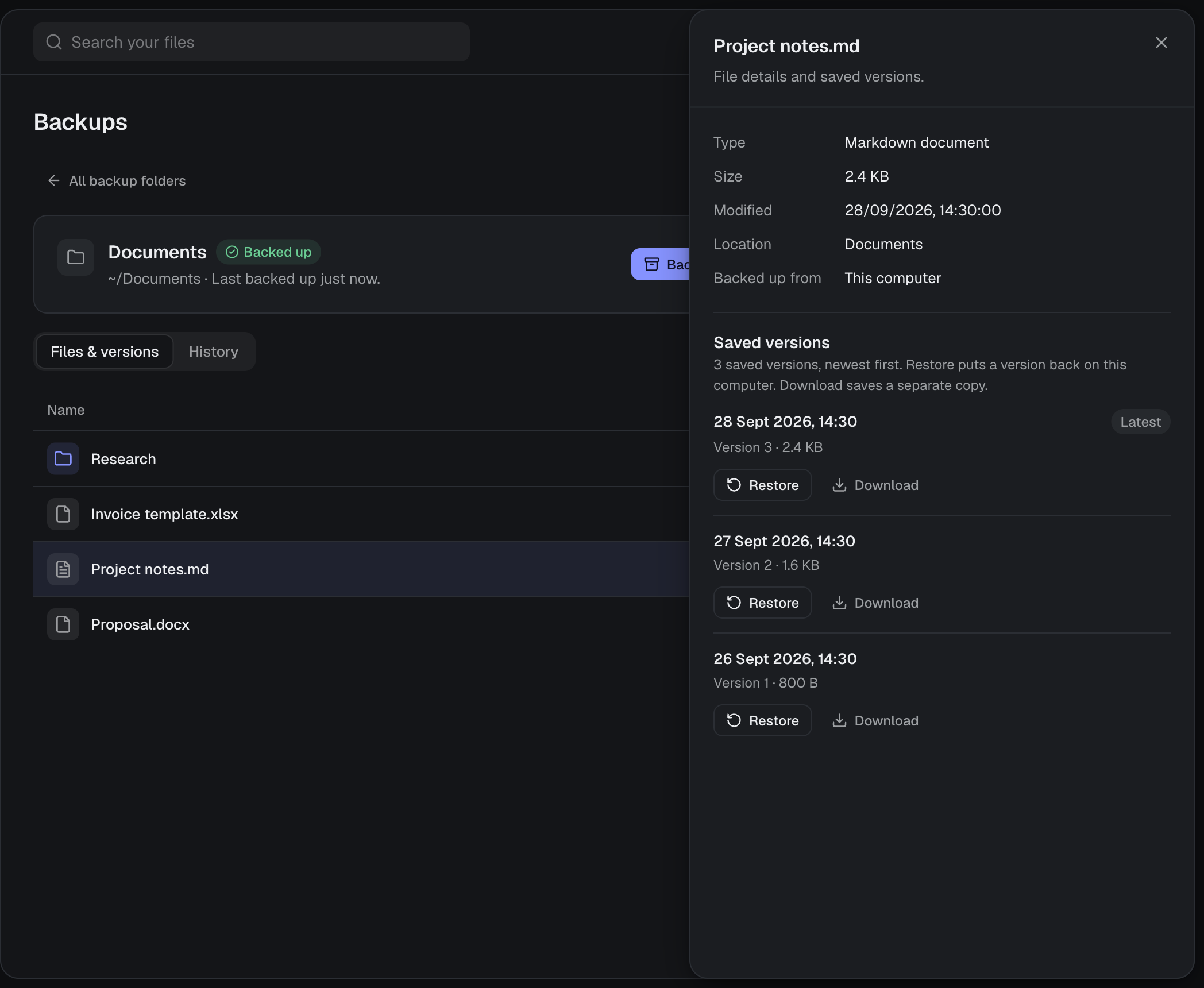
Open any file to see every saved version. Restore puts one back where it was; Download saves a separate copy.
02 — A closer look
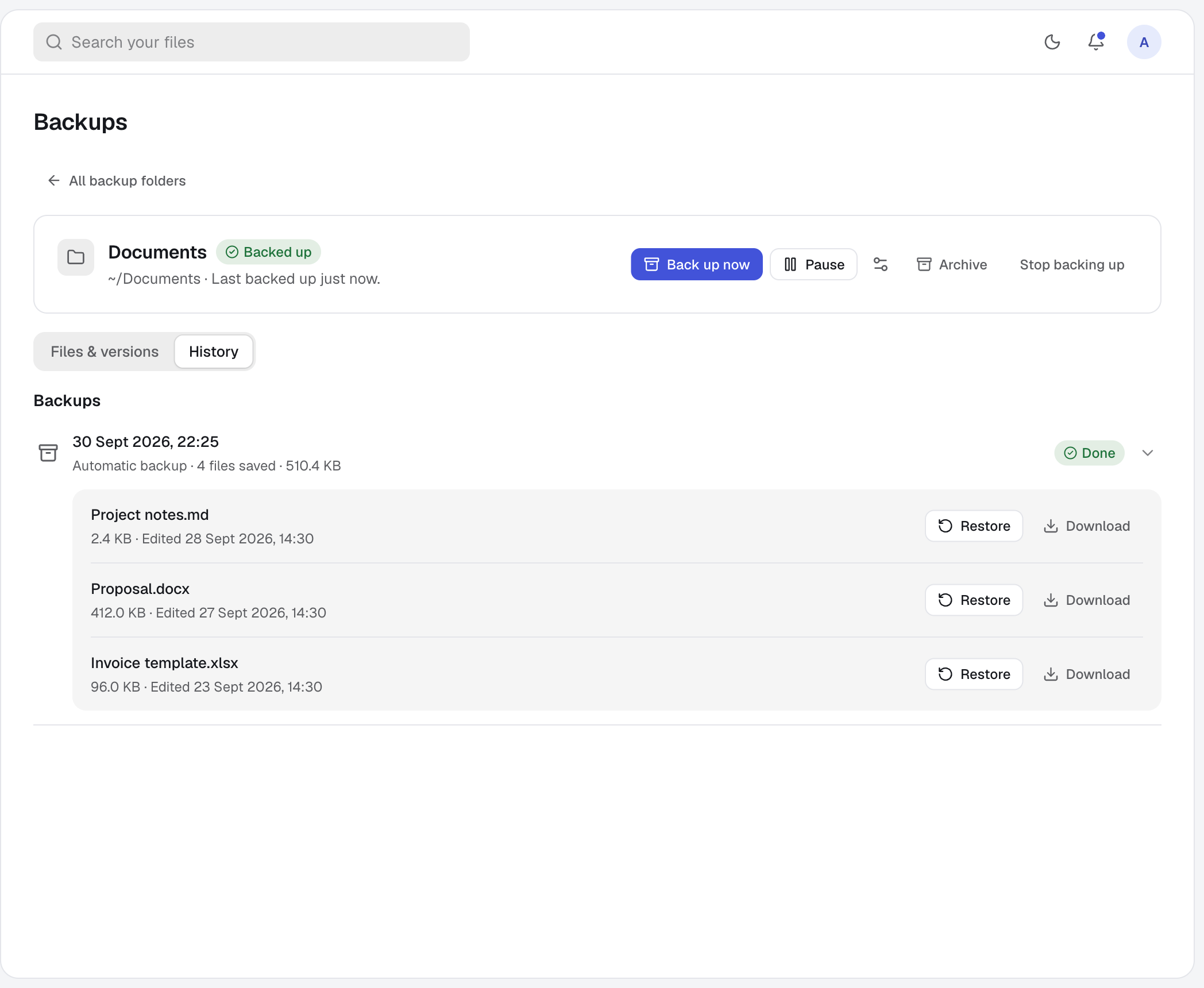
See exactly what was saved, and when.
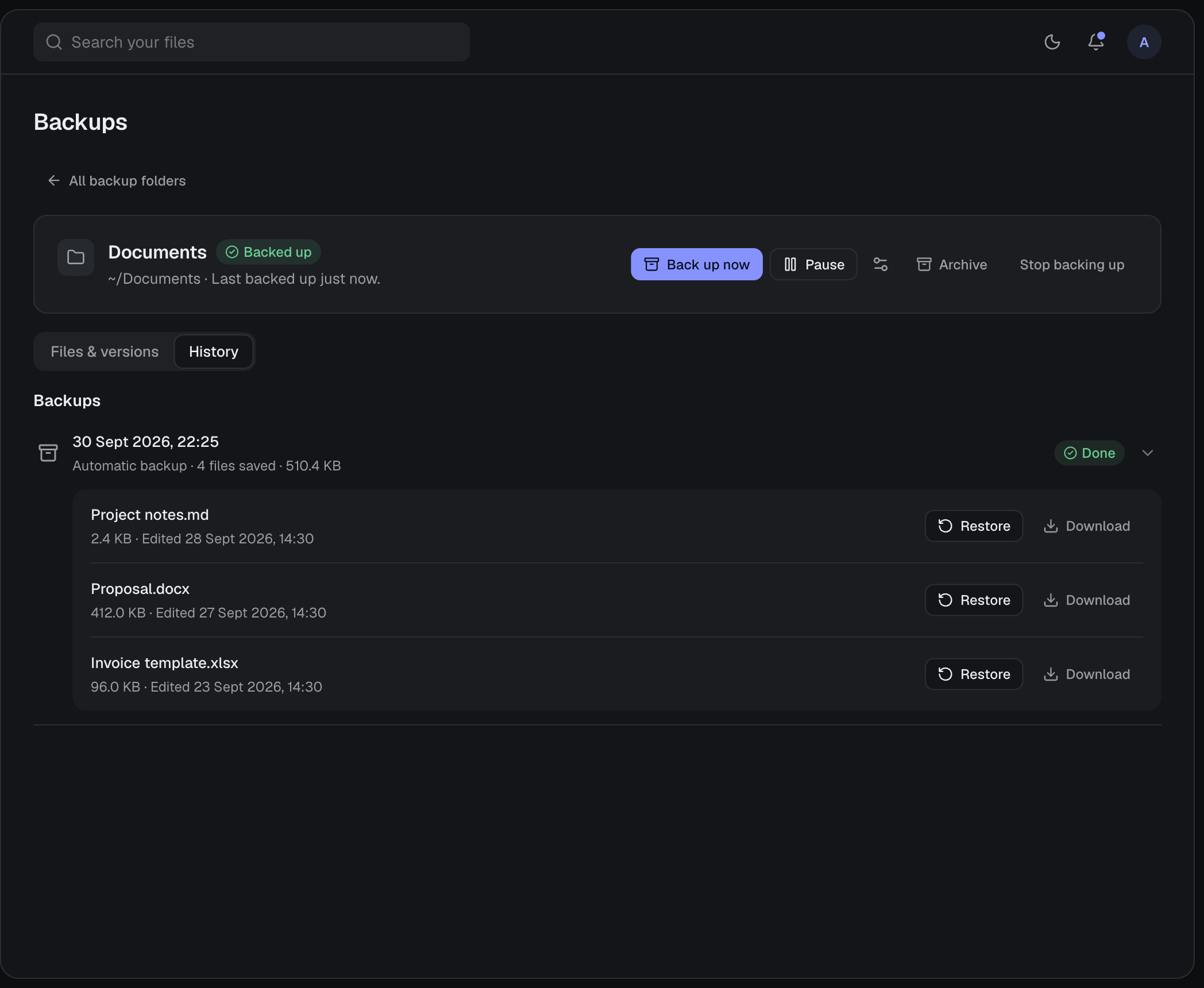
History lists every backup run with the files it saved. Backups from all your computers sit together in one account, and any version can be downloaded from the web, wherever you are.
03 — Good to know
- Nothing to press
- No schedule to set. Each folder shows when it was last backed up.
- Deleting is safe
- Deleting a file on your computer leaves every saved version intact.
- All your computers
- Back up folders from each of your computers. They appear together in Backups, with the computer each came from.
- Restore in place
- Restoring puts the file back in its original folder, once that computer is online with backups running.
- Download anywhere
- Download any saved version from the web, on any computer.
- Protected
- Backed-up folders are read-only in My Drive, so nothing changes them by accident. Only the source computer adds versions.
- Your rules
- Pause a folder’s backups whenever you like. Stop backing up keeps your files and every saved version, and the folder becomes an ordinary Cloud folder.
- Storage
- Saved versions count towards your 100 GB and are never removed automatically.
04 — Questions
How is this different from Sync?
Sync keeps a folder identical on several computers, deletions included. Backups only save versions from one computer and never delete them.
Can I back up more than one computer?
Yes. Install the desktop app on each one and add its folders. Every backup appears in your account.
What if I delete a file by accident?
Its saved versions stay. Open the folder in Backups, find the file, and restore or download it.
Can I get a file back on a different computer?
Yes. Sign in on the web and download any saved version.
05 — More of harbor0