Every file in one place.
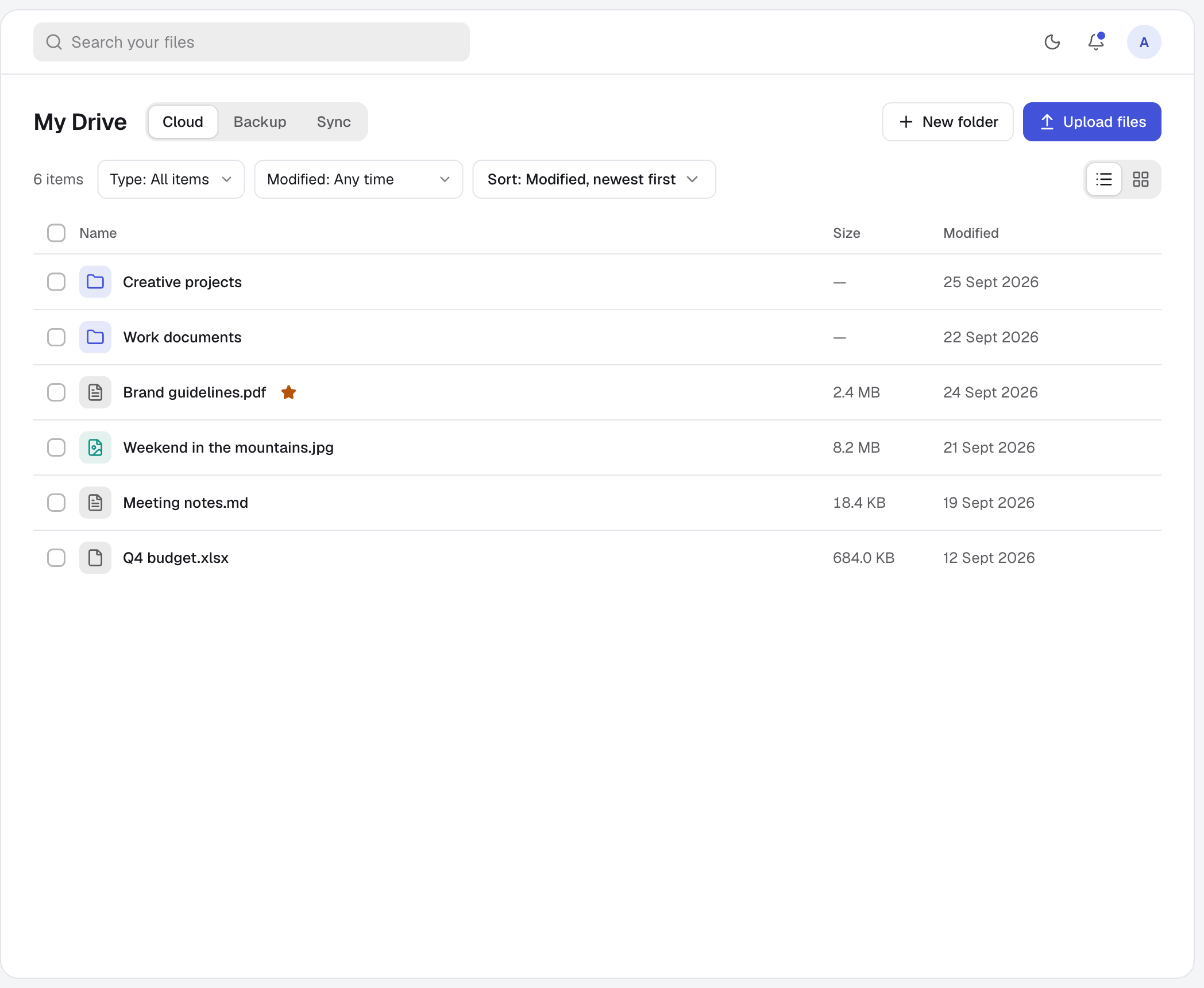
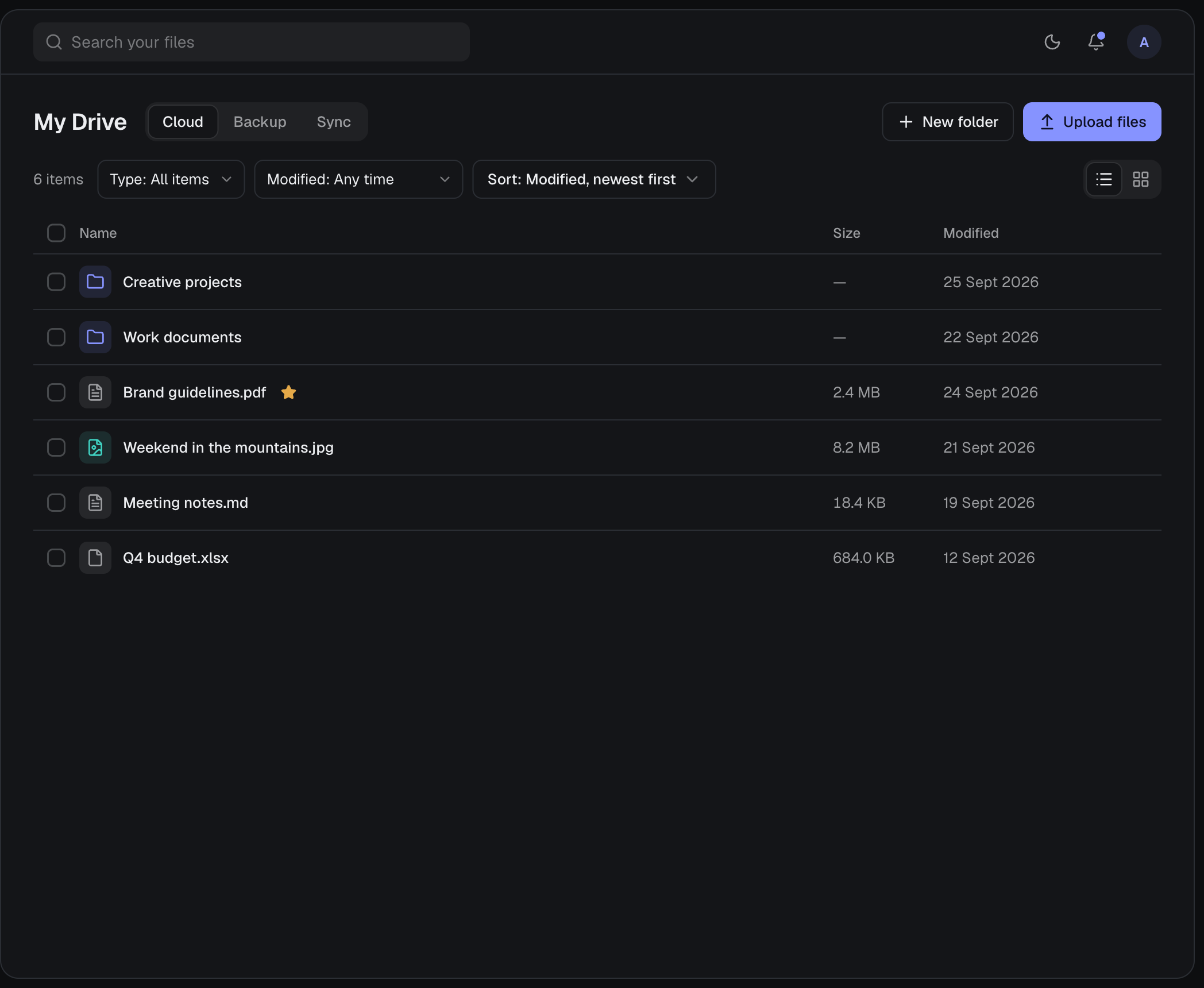
Upload, organise, preview and find your files from the browser or the desktop app.
Sign up free- Web
- Desktop
- Get the apps
01 — How it works
- 01
Upload
Add files or a whole folder. Large uploads can be paused, resumed or cancelled, and they retry on their own.
- 02
Organise
Sort files into folders, rename and move them, and star the ones you use most. Search finds files and folders by name.
- 03
Open anywhere
Preview text, images, audio and video in place. Download a single file, or a whole folder as one ZIP.
02 — A closer look
Every save keeps the old copy.
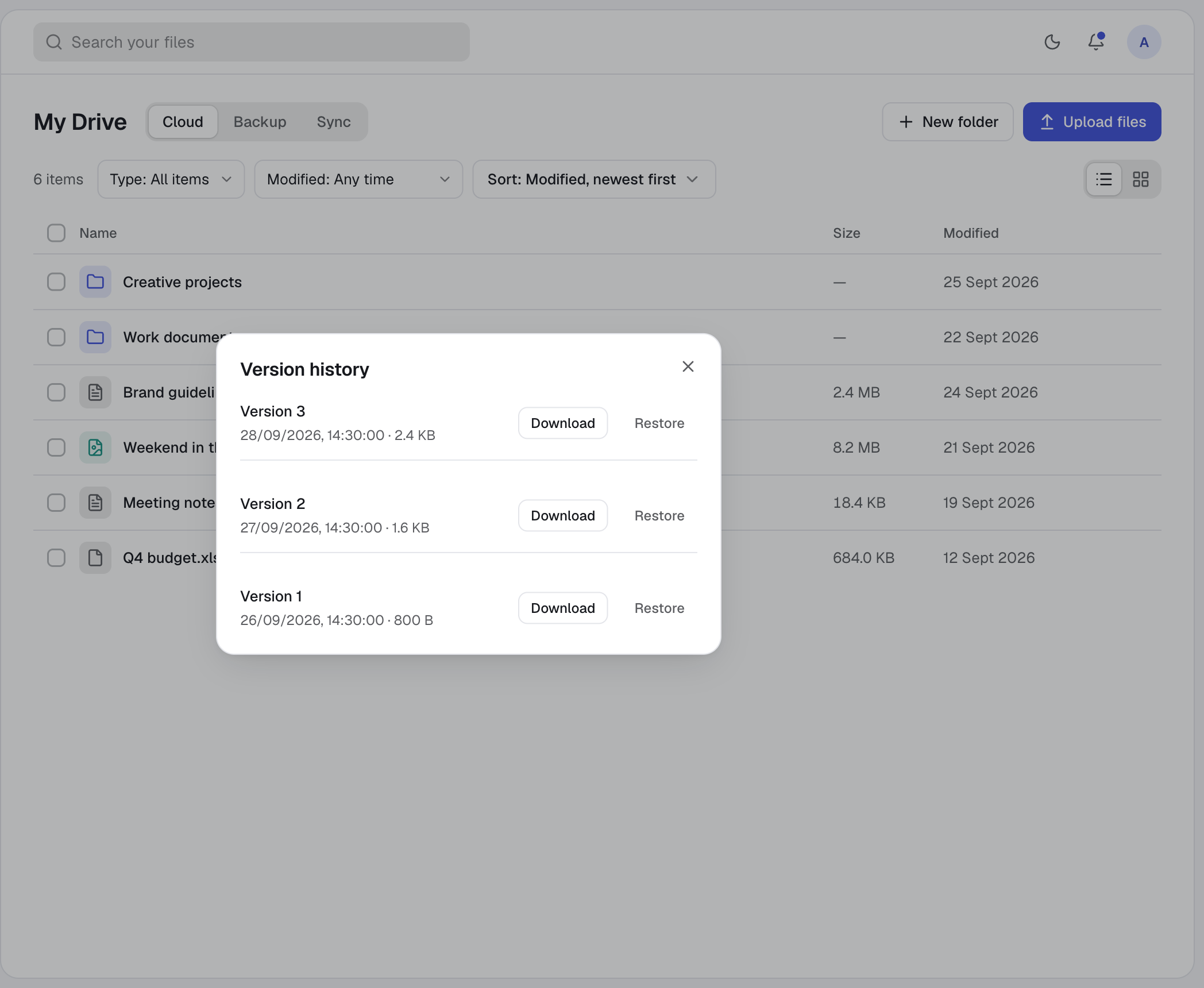
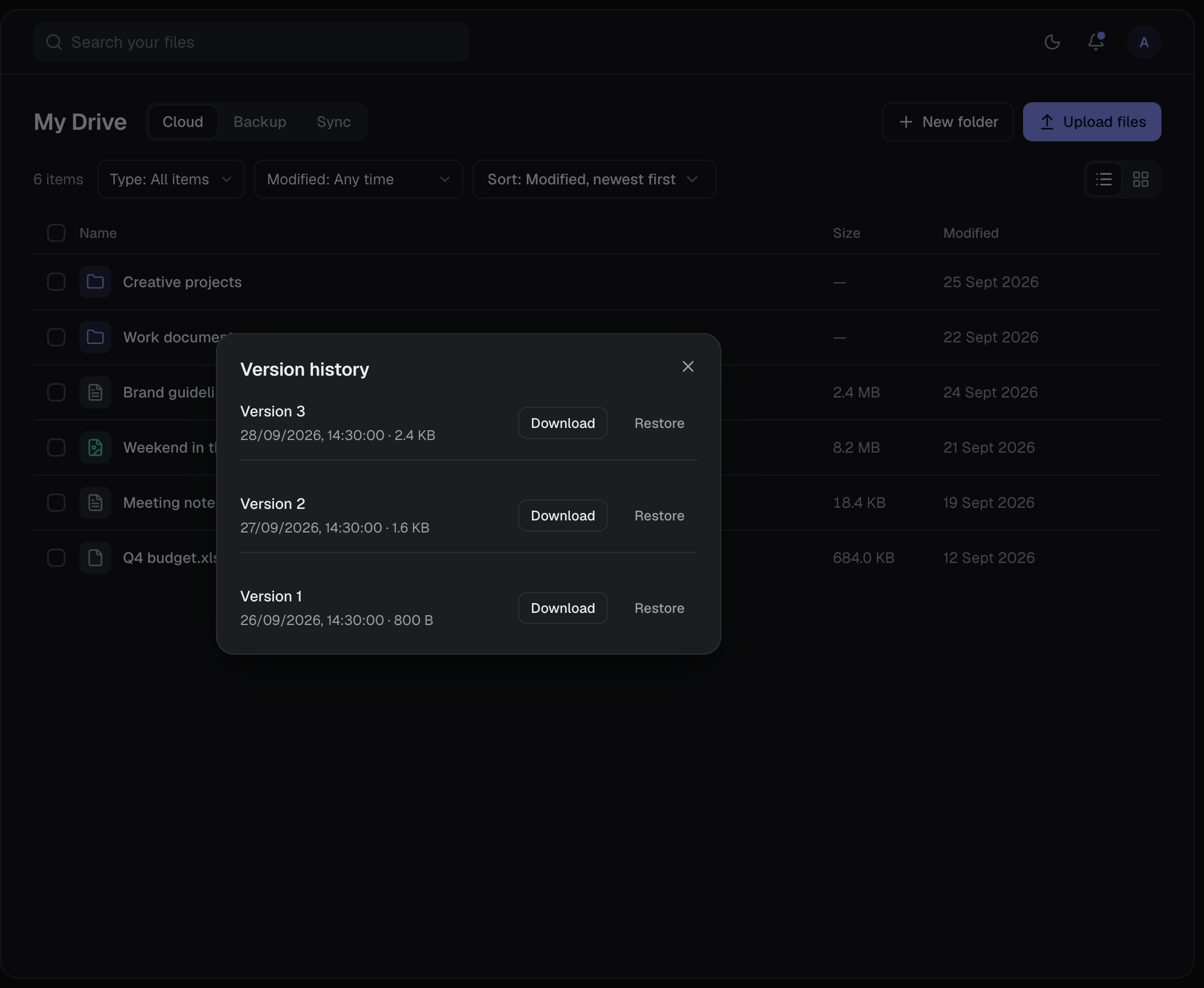
Uploading a new version of a file never overwrites the last one. Open Version history from a file’s menu to download an earlier copy or restore it as the current one. Old versions are never removed automatically.
03 — Good to know
- Storage
- 100 GB free. Every version, backups and the trash count towards it.
- Previews
- Text up to 1 MB, images, audio and video. Other formats download instead.
- ZIP downloads
- A folder downloads as one ZIP with its subfolders intact. The prepared ZIP is kept for 24 hours.
- Trash
- Deleted files wait in the trash until you restore or permanently remove them.
- Three views
- My Drive separates Cloud files, Backup folders and Sync folders.
- Stable links
- A folder keeps the same address when it is renamed or moved.
04 — Questions
Do old versions use my storage?
Yes. Every saved version counts towards your 100 GB.
Does search look inside files?
No. Search matches the names of files and folders, not their contents.
What happens to a format that cannot be previewed?
The viewer offers a download instead.
05 — More of harbor0