Send files to people, not to links.
Send files and folders to a username or an email address. Only the person you chose, signed in, can open them.
Sign up free- Web
- Desktop
- Get the apps
01 — How it works
- 01
Send
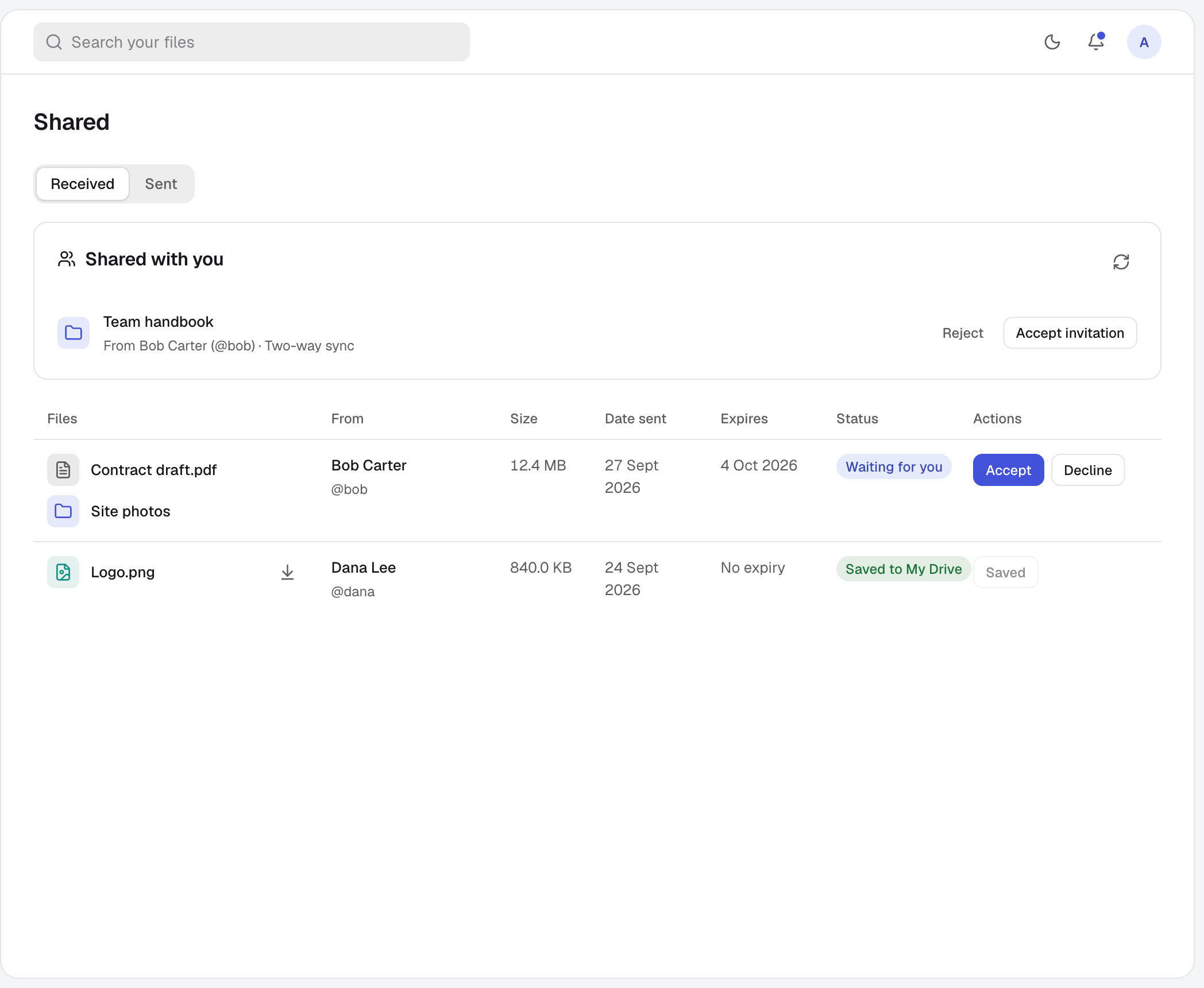
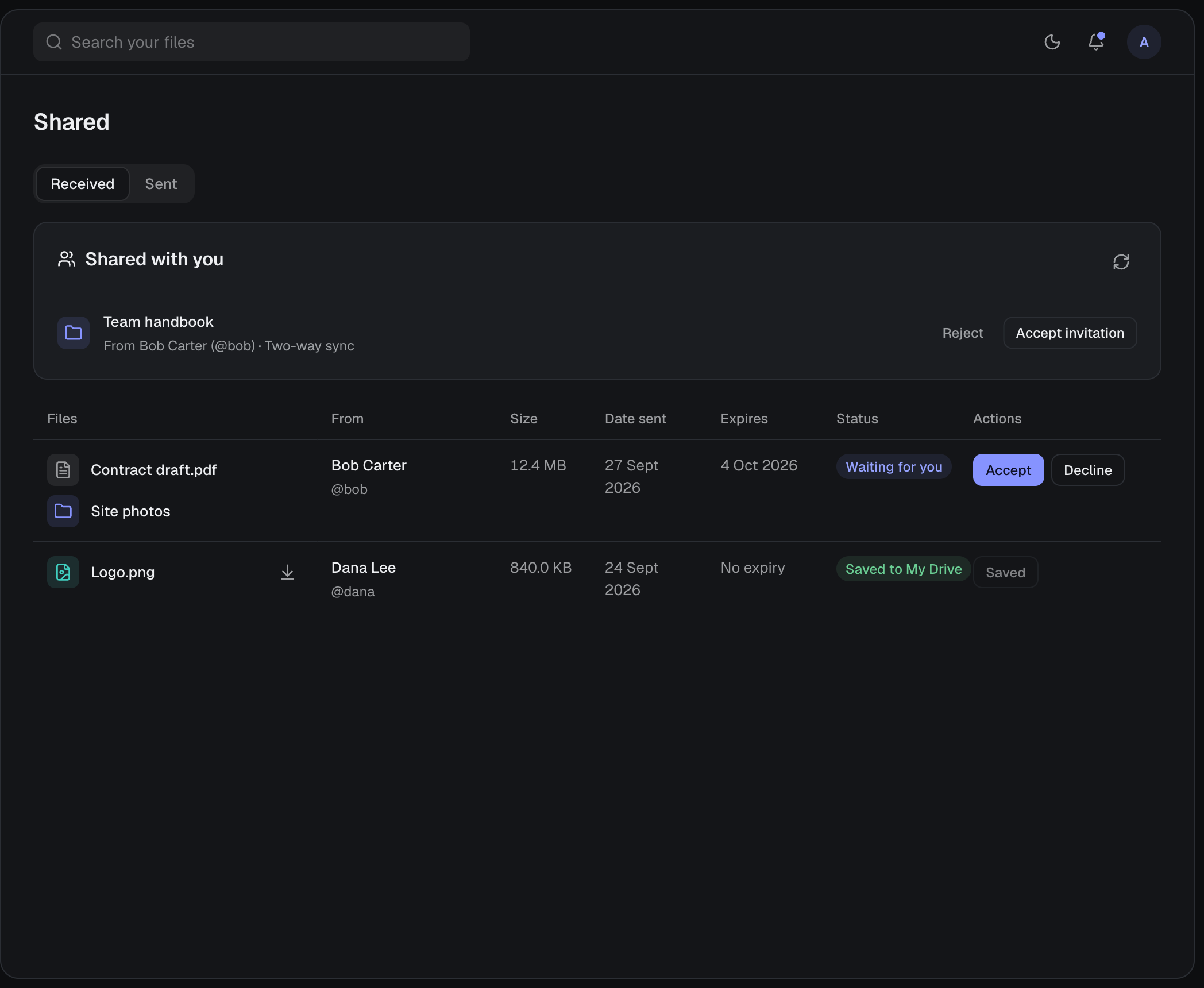
Pick files or folders and enter the recipient’s exact username or email address.
- 02
They decide
The recipient accepts or declines. If the email has no account yet, the files wait until they sign up and verify that address.
- 03
They keep a copy
Accepted files can be downloaded, or saved to their own My Drive without uploading anything again.
02 — A closer look
Keep track of what you sent.
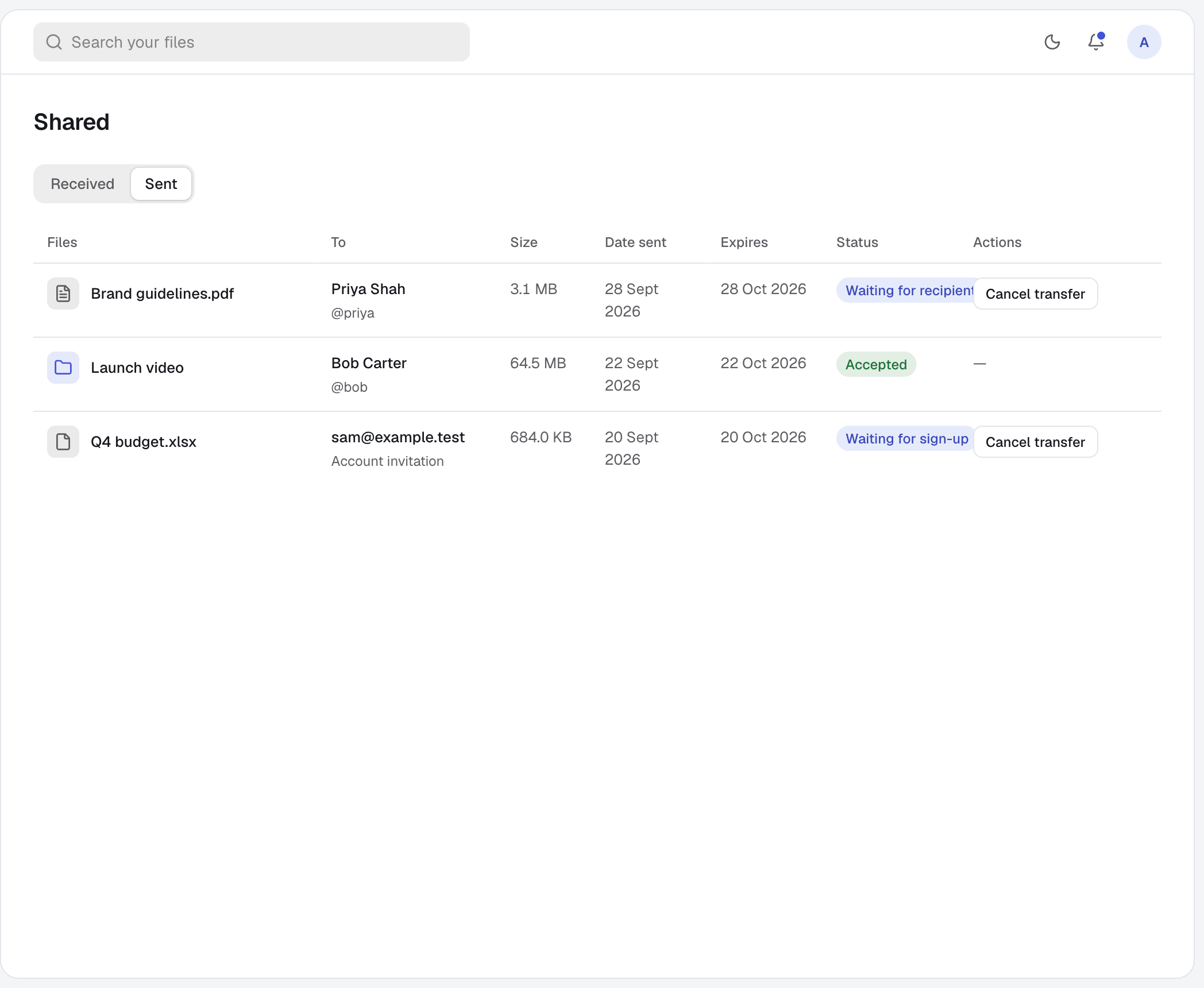
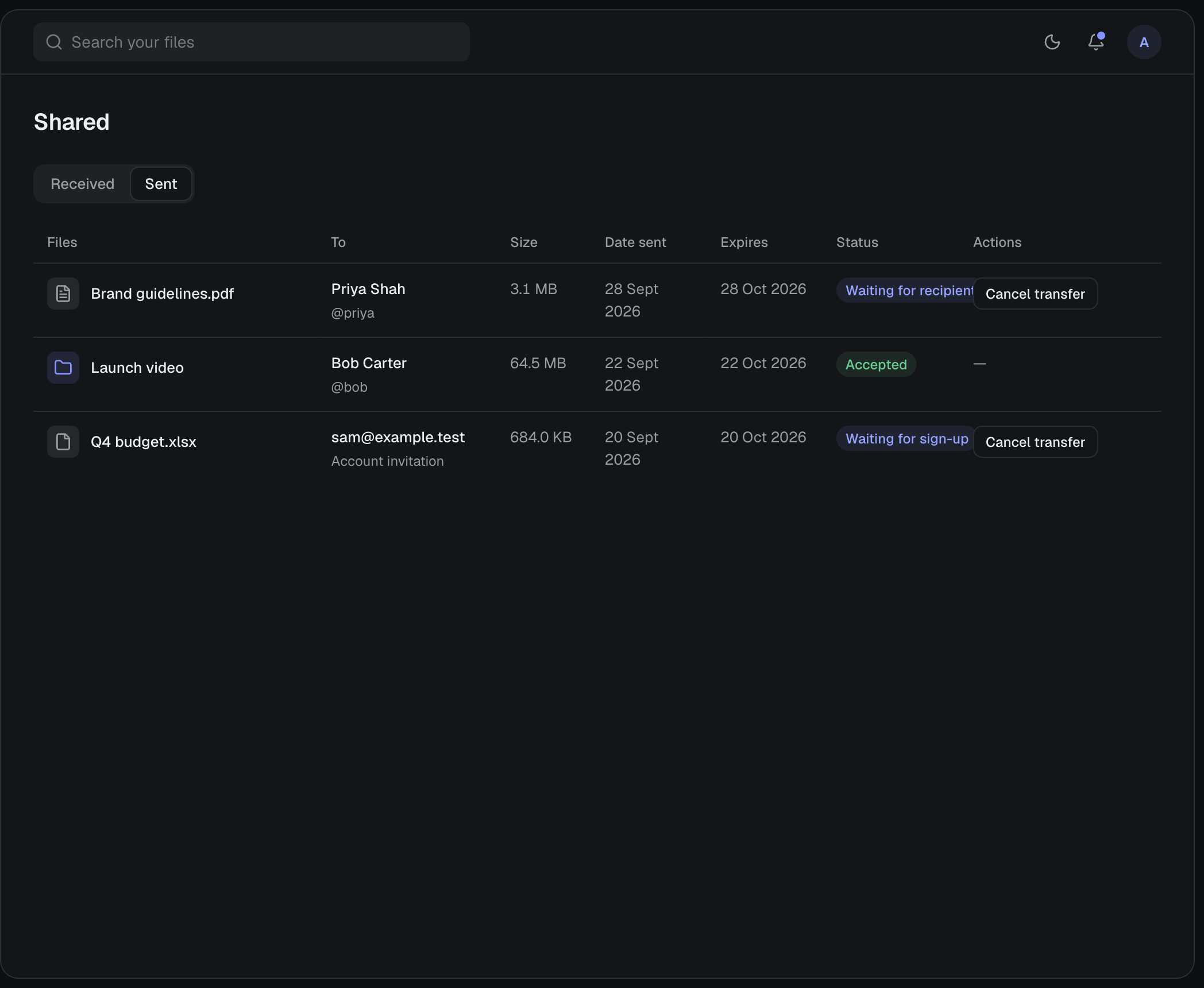
The Sent tab shows every transfer, who it went to, whether it was accepted and when it expires. Cancel one that has not been accepted yet.
03 — Good to know
- No public links
- Files are only ever shared with signed-in people you name.
- Expiry
- A transfer expires 30 days after it is sent.
- Shared folders
- In the desktop app, open a synced folder’s menu and choose Share folder. The other person accepts and picks a local folder.
- Two-way sync
- Everyone in a shared folder can add, edit, rename and delete. Conflicting edits are kept.
- Owner’s storage
- A shared folder uses the owner’s storage, and only the owner manages access. Removing access stops sync and leaves the other person’s local files in place.
- Notifications
- The desktop app checks for incoming files and invitations every 10 seconds while you are signed in.
04 — Questions
Does the other person need an account?
Yes. Files sent to an email address wait until that person signs up and verifies it.
Whose storage do saved files use?
Saving received files to My Drive makes a copy that belongs to the recipient and counts towards their storage.
Can I take back something I sent?
You can cancel a transfer that has not been accepted. For a shared folder, the owner can remove access at any time.
05 — More of harbor0